This 21-lesson course, clocking in at just 1 hour and 50 minutes, is your ultimate guide to mastering CapCut. Designed for anyone new to video editing, this powerful and free software will feel intuitive. You will quickly gain the confidence to create stunning videos, leaving your beginner days behind.
What You’ll Learn in This Course
- ✅ Recall the basics of CapCut video editing software.
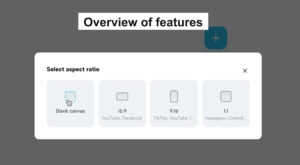
- ✅ State the best aspect ratios for editing videos for different platforms.
- ✅ Discuss the available options for importing media into CapCut.
- ✅ Explain the function of the transcript-based editing tool in CapCut.
- ✅ Summarise the procedures involved in adding stock videos and photos in CapCut.
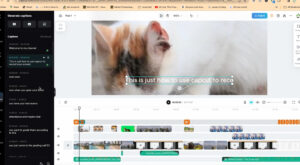
- ✅ dentify the various methods of adding captions to video clips in CapCut.
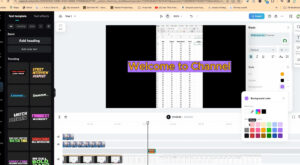
- ✅ Discuss the purposes of effects and how to apply them to video clips in CapCut.
- ✅ Explain the purposes of keyframes and how to use them in CapCut.
- ✅ Recall how to remove the background from a video clip in CapCut.
- ✅ Describe the exporting process in CapCut.