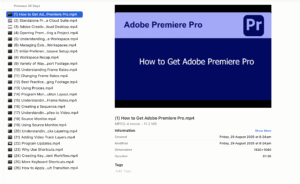
This comprehensive Adobe Premiere Pro course, with 25 videos and a duration of 4 hours, is designed to give you a strong foundation in video editing from initial setup to a finished project. By the end of this course, you will be able to confidently navigate Premiere Pro, set up your projects, and manage your footage like a professional.
Learning Outcomes
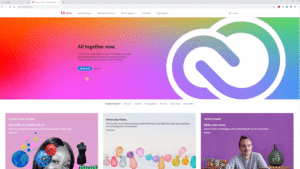
- ✅ State how to get adobe premiere pro online
- ✅ Outline the pros and cons of a standalone program and creative cloud suite
- ✅ List the features of adobe creative cloud desktop
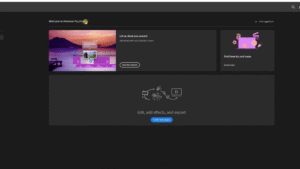
- ✅ Explain how to open premiere pro and start a project
- ✅ Indicate the layout and how to set up the workspace
- ✅ Recall how to manage existing workspaces
- ✅ Discuss how to set up initial preferences and autosave
- ✅ Summarise how to change the frame rates and manage footage
- ✅ Describe how to change, add and remove the program monitor button
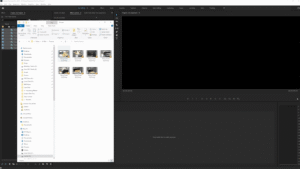
- ✅ Recognise various ways of importing media to adobe premiere pro