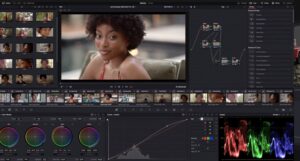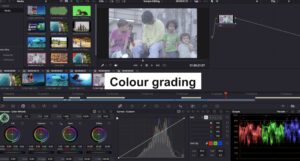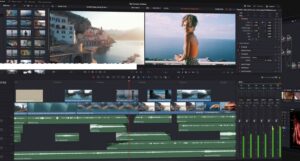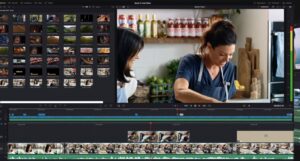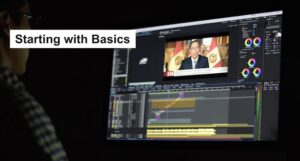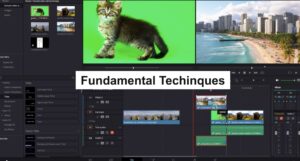
23 videos and 2 hours, 50 minutes long, this course covers everything from understanding the UI and working with different tabs (Media, Cut, Edit, Fusion, Color, and Deliver) to advanced techniques like color correcting, color grading, adding visual effects, and using nodes and masks. You’ll also learn how to add transitions, text, and titles, edit green screen footage, and export your final project.
Learning Outcomes
- ✅ Identify some of the basic system requirements to run DaVinci Resolve.
- ✅ Recall how to download and install DaVinci Resolve on your system.
- ✅ Describe how to open DaVinci Resolve and create projects.
- ✅ Relate with the general overview of the user interface.
- ✅ Explain how to import media, create timelines, and track inspector properties.
- ✅ Recognise basic video editing within DaVinci Resolve.
- ✅ Recall how to add transitions, texts, titles, text plus, animations, and keyframes.
- ✅ Identify how to add subtitles within your video clips.
- ✅ Discuss the basics of Fairlight and its use in enhancing your audio within DaVinci Resolve.
- ✅ Create a sample video from scratch and export it.